
Ember for Mac
Let your screen
wind down.
True color by day. Warm and dim at night.
Get Ember$2.99 · One-time purchase
Apple silicon & Intel · macOS 14 or later
Preview your day.
Choose a time and night strength.

 Ember
EmberDaylight
6500KYour display’s original color, while you work.
Sample schedule · without sun times
Interactive illustration · Not your Mac’s settings
Daylight · 6500K · Original display profile
Illustration only; results vary by display.
Night
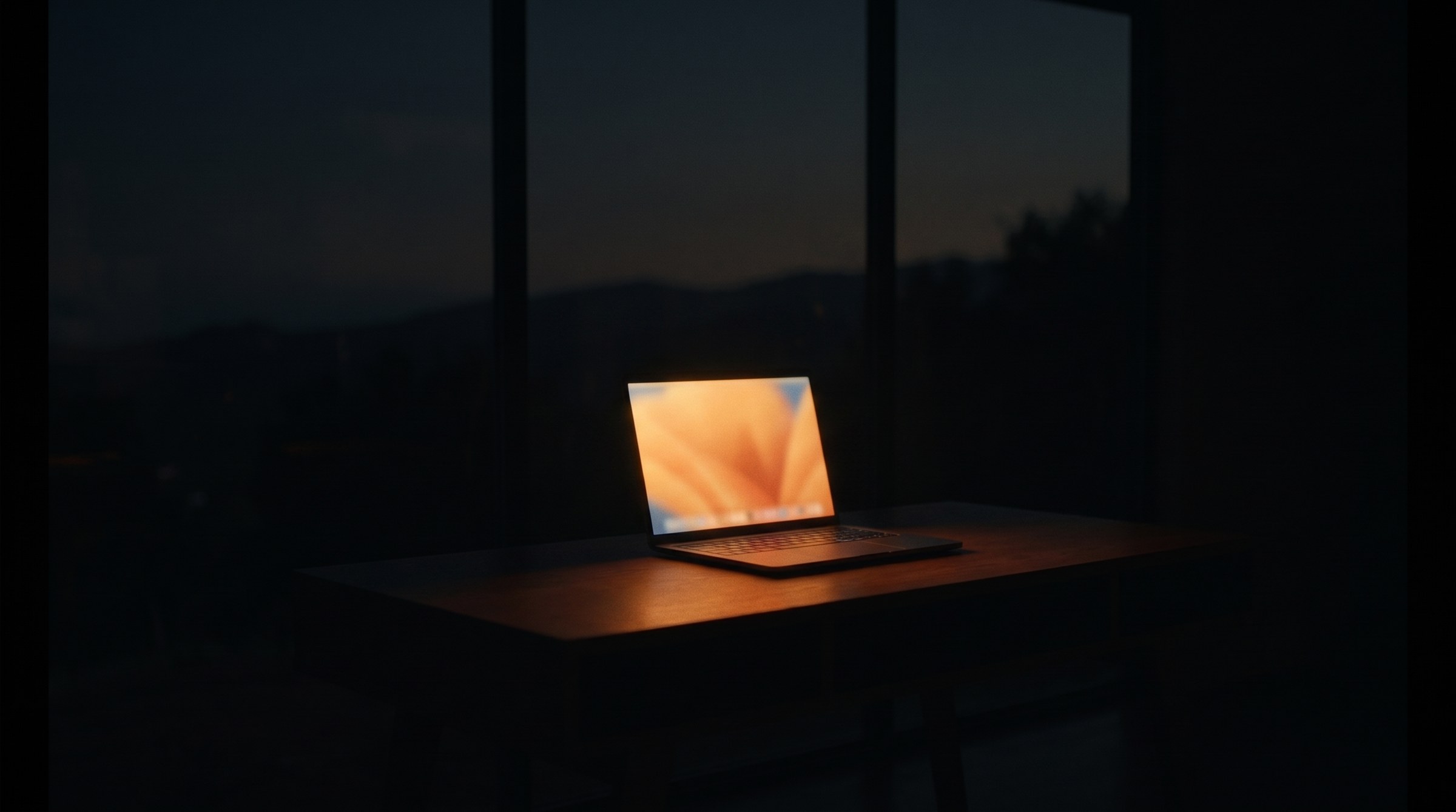
Let the light settle.
Warm and dim until wake.
In your menu bar.
Set wake and bedtime, choose a night strength, or pause for true color.
Try true color apps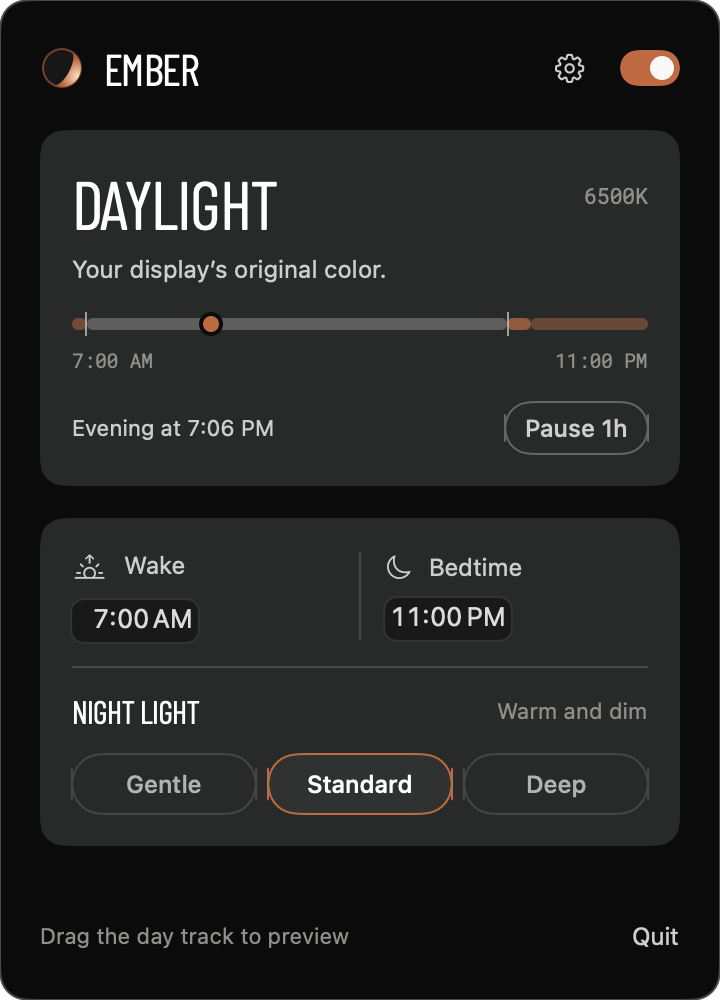
Questions?
How do I buy and install?
Pay through Whop, then use Download for Mac. Open Ember.dmg, drag Ember to Applications, and open it.
Does it work with my display?
External display support depends on the display and connection; HDR and color profiles can affect the result.
What about Night Shift and f.lux?
Ember turns Night Shift off and quits f.lux while enabled.
Install Ember.
- 1
Open the download.
Find Ember.dmg in Downloads.
- 2
Drag to Applications.
Drag Ember onto the Applications folder beside it.
- 3
Open Ember.
Open Ember from Applications and choose Use recommended.